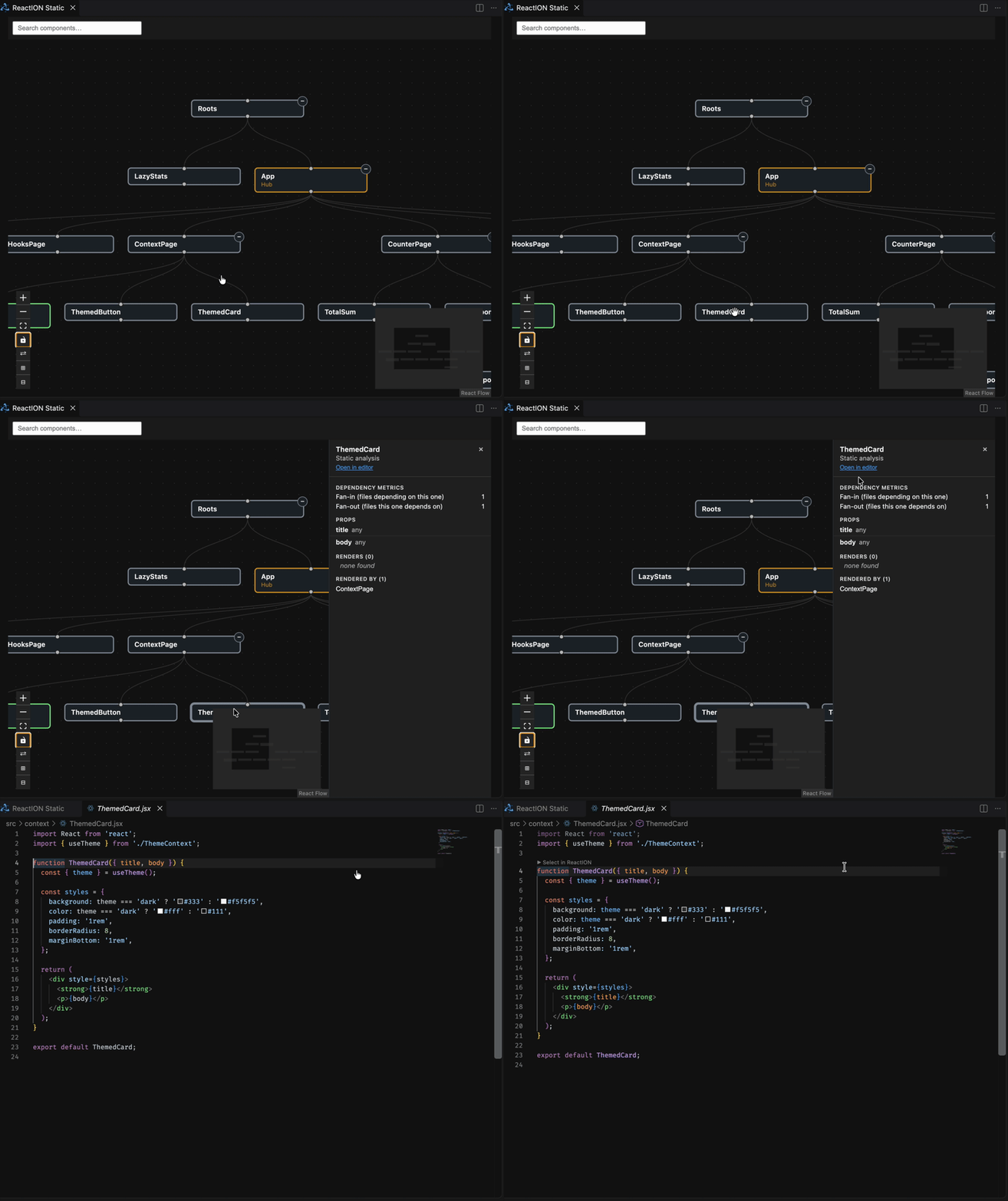
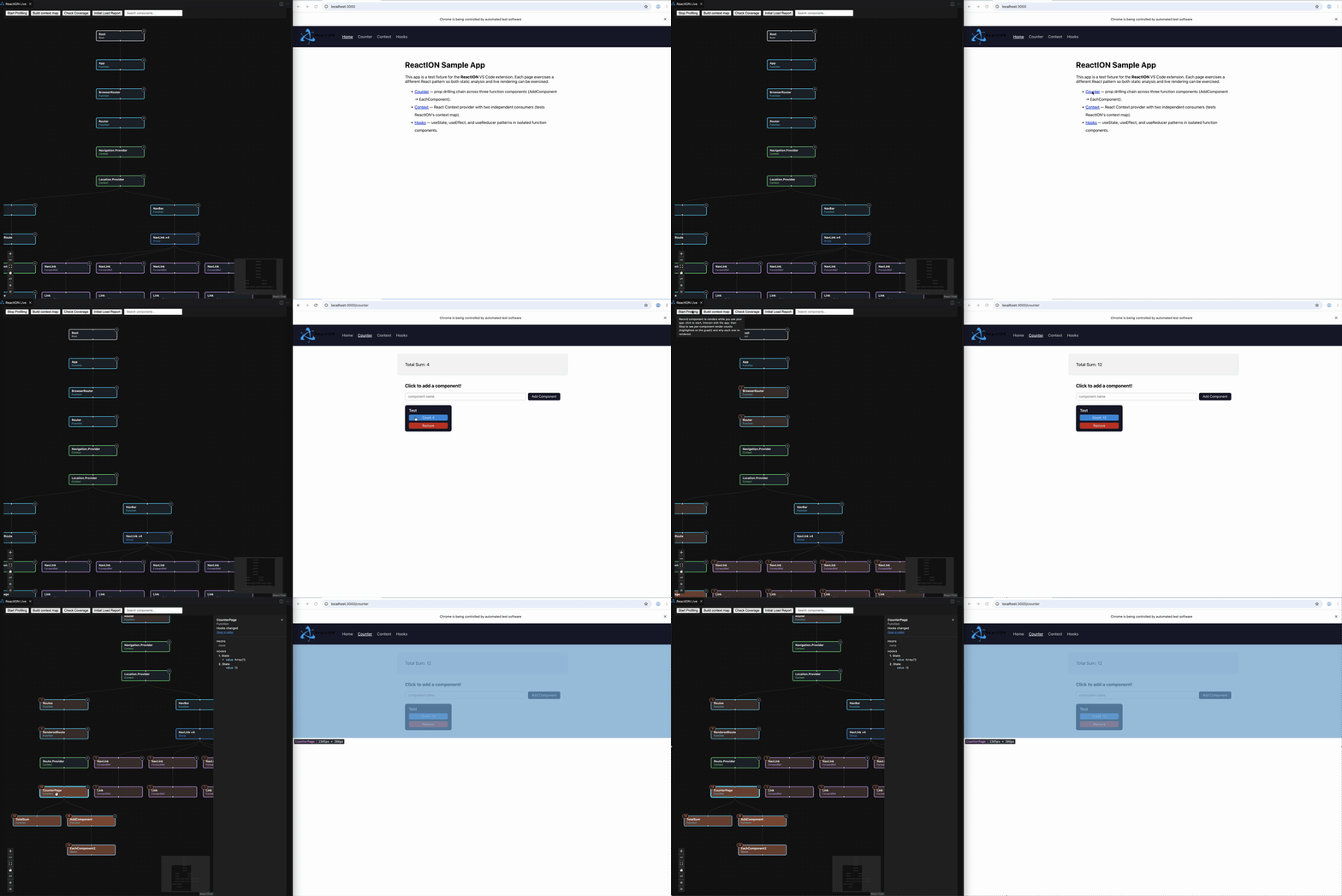
ReactION was born out of an interest in streamlining the React developer workflows, from their inception to release.
We were exceptionally keen to target the demographic of beginner- to intermediate-level developers who are trying to get a better understanding of React’s inner workings (e.g., components, their state data, and mutual inter-relations in the component tree).
In addition, all of us are no strangers to the laborious process of spinning up an external browser to view the fruits of incremental code changes.
With these two concerns in mind, and acknowledging the pervasive use of VS Code among developers, we set out to create an IDE that would allow users to see - in real-time - the visualized component state of their React projects AND the rendered browser output - all within the VS Code development environment.